

AI command bar
Type what you need. Ablyos takes care of it.
One bar for everything: jump to a screen, find a contact or ask for an action. Ablyos shows its plan before it acts.
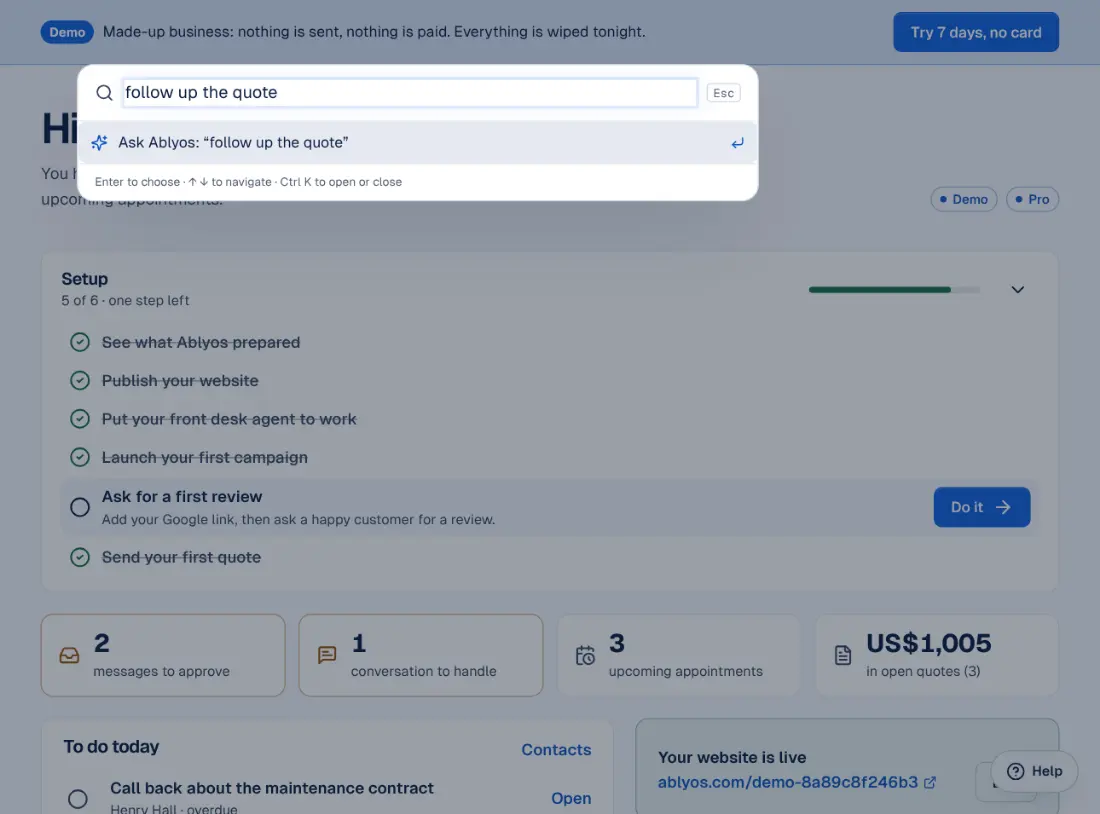
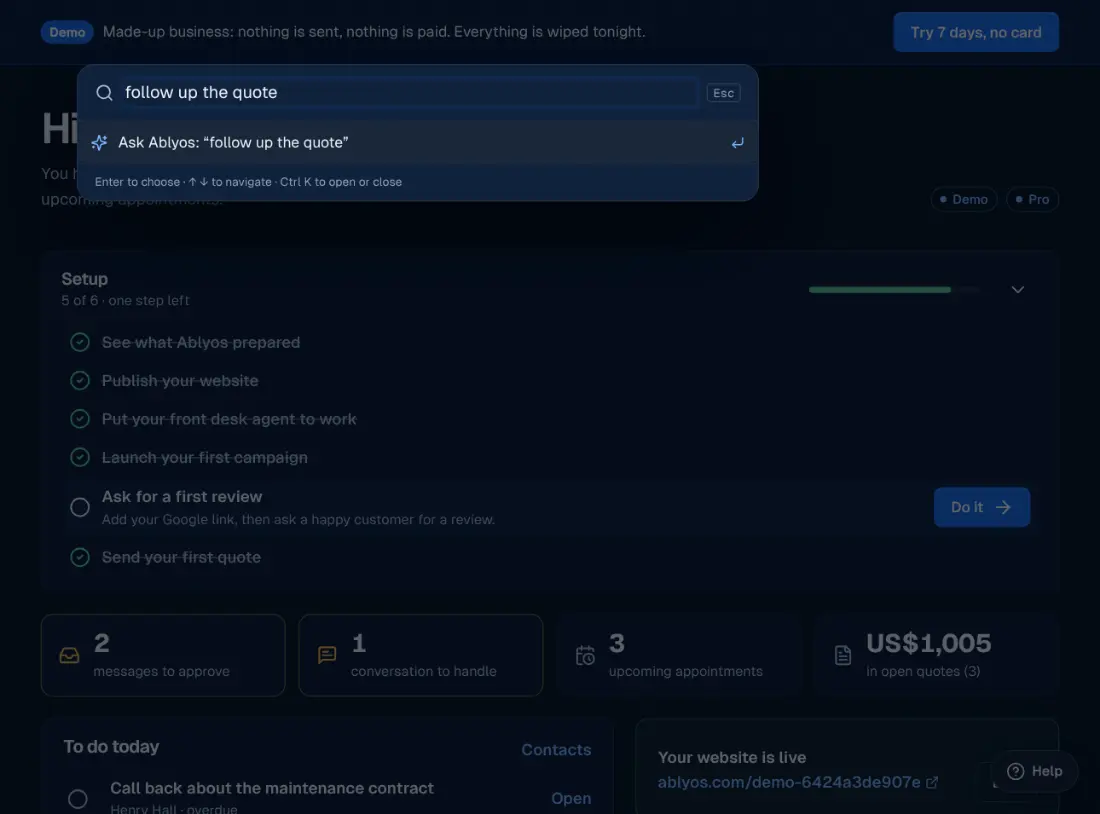
Screenshots of the demo workspace, a made-up business, taken on 18 October 2026.
What it does
- Understands a request typed in plain language.
- Shows its plan step by step.
- Does the work: follow-ups, quotes, CRM searches.
What stays in your hands
- Anything that sends a message waits for your confirmation.
- A help chat answers your product questions on every screen.
How it gets set up
Ctrl K
From any screen.
Type the request
The way you'd say it.
Confirm the plan
Ablyos handles the rest.
Included from the Starter plan, at CHF 49 excl. tax a month. See pricing
Frequently asked questions
Can it send messages without me?
No. Any action that sends something needs a ticked confirmation.
The other building blocks
See what Ablyos would do for your business.
Or explore a full demo account, no sign-up: made-up business, nothing is sent.